
AI
AI agent development: from workflow to production
AI agent development turns a defined business workflow into software that can reason, call tools, and hand risky decisions to people. This guide explains the architecture, guardrails, evaluation, and operating work needed to move past a promising demo.
By Umar HayatChief Technology Officer, Algo Vortex
Updated
Key takeaways
Agents act
A chatbot replies. An agent calls tools, updates records, and stops when the job is done or a human must take over.
Four moving parts
Model, tools, memory, and retrieval. Skip any one of those and you get a demo that falls over on real tickets.
Review is a feature
Human-in-the-loop is not a delay. It is how you ship actions that touch money, customers, or production systems.
Operations keep it useful
Logs, evaluations, cost caps, and a rollback path matter more than the first prompt. Production exposes failures that a staged demo will not.
What is an AI agent?
An AI agent is a system that uses a language model to decide the next step, call tools, and keep going until a job is finished or handed off. It is not a chat window with a nicer prompt. The model plans, the tools do work, and memory plus retrieval keep the run grounded in your data.
The job might be drafting a reply, filing a ticket, checking inventory, proposing a route, or assembling a report from three internal APIs. What makes it an agent is the loop: observe, decide, act, check the result, decide again. A single model call with no tools is a completion. A loop with tools is an agent.
That loop is also where cost and risk live. Each step spends tokens. Each tool call can write to a real system. AI agent development is the work of bounding that loop so it is useful, cheap enough to run, and safe enough to leave on overnight.
How is an agent different from a chatbot?
A chatbot answers. An agent acts. If the product only needs a reply in the same thread, you probably want a chatbot with good retrieval. If the product needs to look something up, change a record, and come back with a result, you want an agent.
The line gets fuzzy in products people still call chat. RelayHub looks like an inbox assistant. Underneath, it drafts from context, proposes a send, and leaves hard calls with a human. That is agent-shaped work with a chat surface. The UI is not the architecture.
If you are choosing between the two, start from the write actions. No writes, no side effects, citations only: chatbot plus RAG is enough. Writes into CRM, billing, dispatch, or email: treat it as AI agent development and read chatbots vs agents before you scope the first slice.
What architecture does a production AI agent need?
A production agent is a language model plus tools, short-term memory for the current run, and retrieval for facts that should not live in the prompt. Orchestration glues those pieces together and decides when to stop. Miss the glue and you get a clever demo that cannot be operated.
Tools are functions the model is allowed to call: search, create ticket, get order, schedule a job. Each tool needs a tight schema, auth that matches the user, timeouts, and an idempotent path so a retry does not double-charge or double-book. Memory is the transcript plus any scratch state the run must keep. Retrieval, usually RAG, pulls policies, manuals, or past tickets so the model is not guessing from training data.
Model Context Protocol is one way to expose those tools once instead of a plugin per vendor. You do not need it on day one. You do need a clear tool layer, because swapping models is easy compared with rewriting every integration.
When should you use workflows or multiple agents?
Most first agents should be one loop with a small tool set and a written stop condition. Split into multiple agents when jobs have different permissions, different evals, or different failure costs. A researcher that only reads and a clerk that may write should not share one prompt and one API key.
Workflows help when the path is mostly known. Intake, classify, retrieve, draft, wait for approval, send. You can still use a model at the steps that need judgment. You do not need a free-roaming planner for a five-step process your ops team already runs by hand. Free-roaming planners look impressive and then loop, stall, or spend tokens arguing with themselves.
Multi-agent setups show up later: a dispatcher that routes work, specialists for billing or logistics, a critic that checks the draft. RouteMind is closer to an advisor in a fleet product than a swarm of agents. Start there if the job is recommend-and-confirm. Add extra agents only when a single loop cannot hold the permissions and the evals without turning into soup.
Where should human approval sit in an agent workflow?
Put a human on any action that spends money, messages a customer, changes production data, or cannot be undone cheaply. The agent can draft, rank, and prepare. A person confirms. That is how you ship week one without betting the brand on a model having a bad afternoon.
The review UI is part of the product. A dump of JSON in Slack is not a review surface. Show the proposed action, the sources, the tool results, and a one-click approve or edit. Log who approved what. When the agent is wrong, that log is how you build an eval set instead of arguing from memory.
Over time you can widen autonomy on the boring, reversible cases. Password resets that match a known pattern. Internal summaries nobody else will see. Keep the gate on anything customer-facing until the eval set is large enough that you trust the miss rate. Autonomy is a dial, not a personality trait of the vendor.
What can go wrong with AI agents?
Agents fail in ways chatbots do not. Prompt injection from a retrieved document can talk the model into calling a tool it should not. A confused tool call can delete the wrong record. A retry can send the same email twice. Security for agents is about tool permissions, data that enters the context, and what happens on a bad output.
Give each agent the least tools it needs, with auth scoped to the user who invoked it, not a god key. Treat retrieved text as untrusted. Cap how many steps a run may take. Cap spend per run and per day. Require confirmation on destructive tools. Keep an audit trail of prompts, tool calls, and results so you can replay a failure.
If the agent sits in a regulated domain, say so in discovery. Logging, retention, and who may see transcripts are product requirements. AI development at Algo Vortex treats those constraints as part of the first slice, not a hardening pass after the demo lands.
How do you deploy and operate an AI agent?
Deploy the agent like any other service: versioned prompts and tools, a staging environment with synthetic and real-anonymized cases, feature flags, and a kill switch. The model provider is a dependency. Timeouts, fallbacks, and a degraded mode that queues work for humans are part of launch, not a nice-to-have.
Evaluation is the difference between a prototype and a product. Golden cases for the jobs you care about. Regression checks when you change a prompt or a model. Online metrics for tool-error rate, human-edit rate, latency, and token spend. If you cannot say whether last week's change helped, you are flying on vibes.
Cost is an ops problem as much as a build problem. See AI agent development cost for 2026 ranges. The short version: the build is one number, tokens and oversight are the meter that keeps running. Design the meter before you celebrate the first successful run.
When should a business build an AI agent?
Build an agent when a person already handles a repetitive job that needs judgment plus system access, and when you can describe success with real examples. Support queues, internal operations, document intake, and dispatch advice are common fits. Skip the agent when a form, rule, or search box already solves the problem reliably.
You also need data you are allowed to use, APIs the agent can call, and someone on your side who will review early output. No owner, no examples, no tools: you will get a chatbot that hallucinates policy. How to build an AI agent walks the first slice. How to add AI to an existing product covers the more common case, wiring this into software you already run.
Algo Vortex builds this work as production software, not a lab demo. If you have a job, some examples, and a system the agent must touch, contact us with that brief. We will say if an agent is warranted, or if RAG and a simpler assistant will get you further this quarter.
Next step
Turn one workflow into a safe first agent
Share the workflow, systems, and a few real examples. We will tell you whether an agent fits and define a first production slice with clear review points.
Talk to Algo VortexRelated in this cluster
- AI agent development costAI agent budgets have two parts: the product work needed to build a dependable system and the recurring cost of models, infrastructure, evaluation, and human review. This guide explains the ranges already published here and, more importantly, what moves a project up or down.
- How to build an AI agentBuild an AI agent by choosing one measurable job, mapping the data and tools it needs, limiting what it can change, and requiring human approval for costly actions. A narrow first release creates better evidence than a broad platform with no clear owner.
- AI chatbot vs AI agentAn AI chatbot responds inside a conversation. An AI agent can choose tools, act across systems, and continue until a task is complete or needs human review. The interface may look identical, so the practical difference is what the software is allowed to do.
- RAG developmentRAG development connects a language model to your current documents, records, and permissions so answers can be traced to a source. The hard part is not calling a model. It is parsing, retrieval, access control, evaluation, and knowing when the system should decline to answer.
- Model Context ProtocolModel Context Protocol gives AI applications a shared way to discover and call approved tools or read selected resources. It can reduce repeated integration work across compatible clients, but it does not replace APIs, authentication, permissions, logging, or careful tool design.
Related capabilities
Related case studies
Live products where this kind of work showed up in the build.
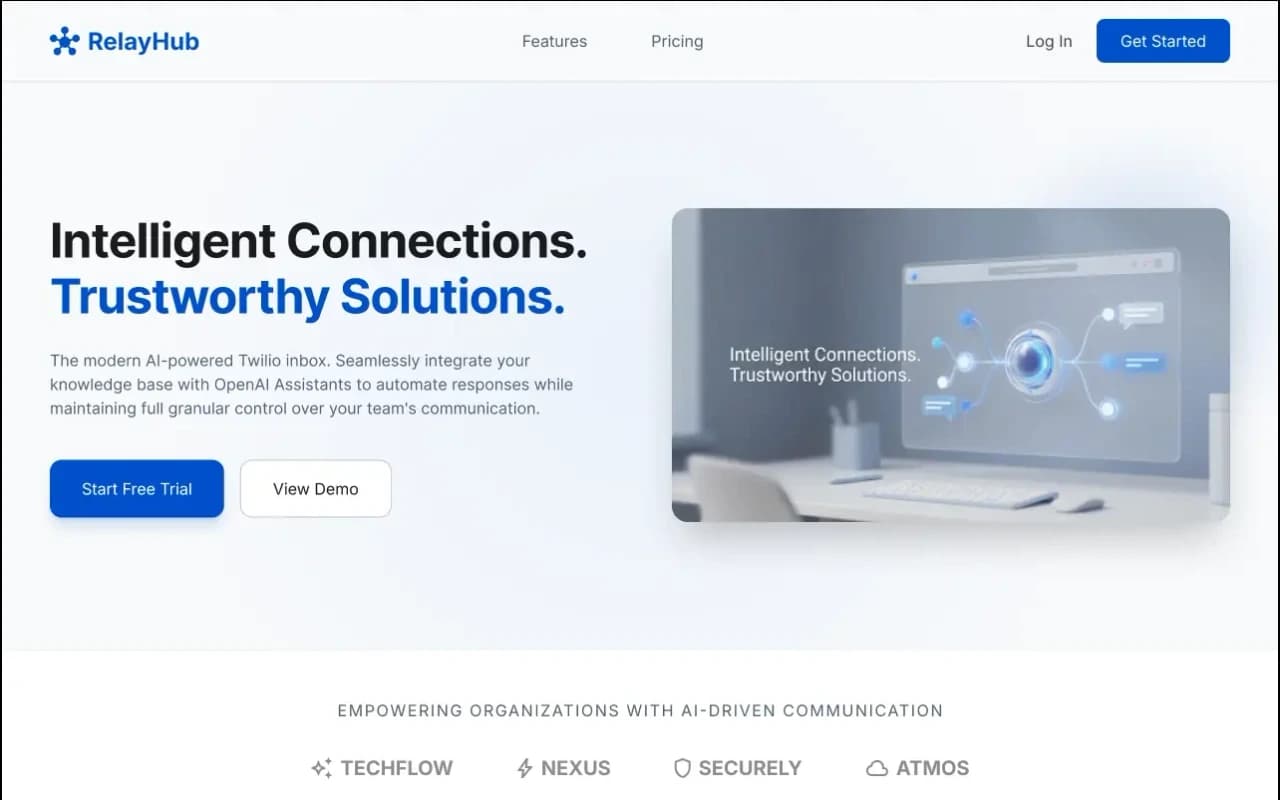
RelayHub AI communication portal case study
Twilio + OpenAI shared inbox
One triage view for Twilio phone and digital threads, with OpenAI drafts under admin prompts. Built for teams tired of rebuilding context across tools.
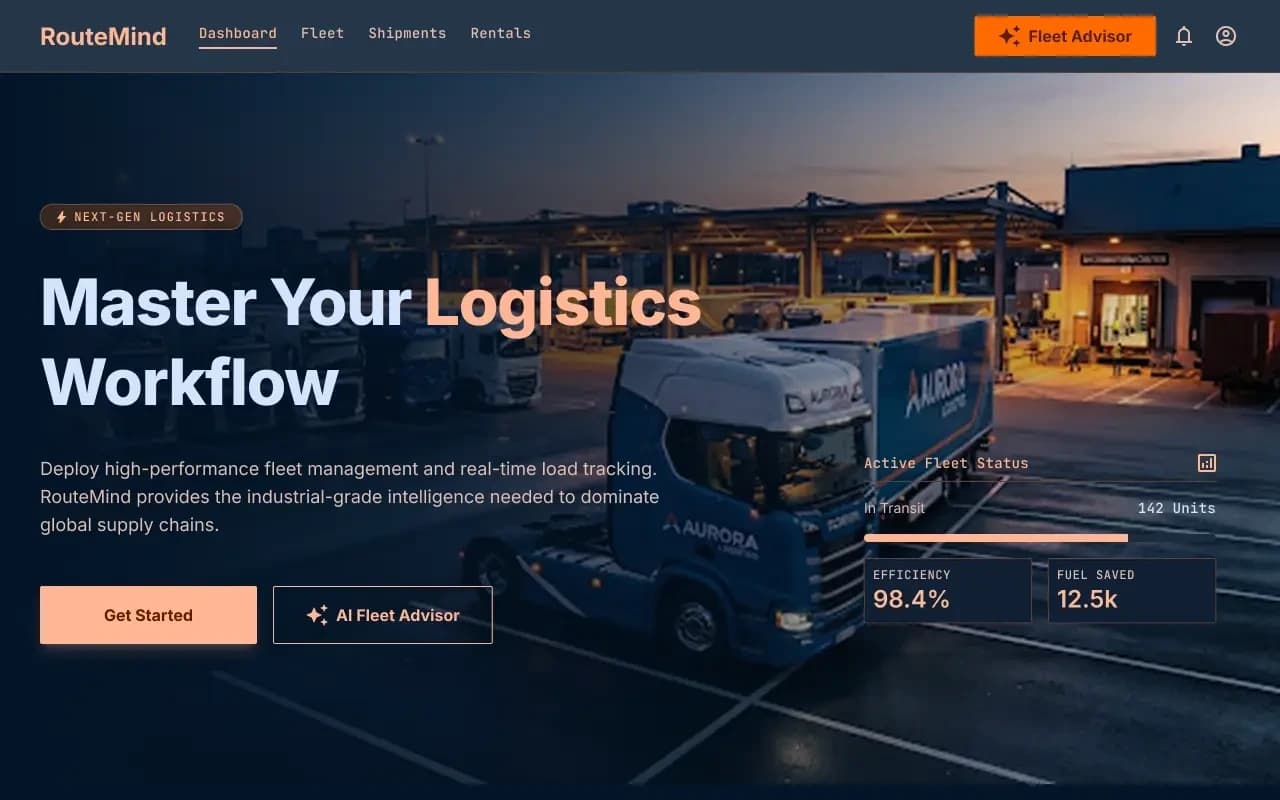
RouteMind AI fleet dispatch case study
AI Fleet Advisor + live load board
Shipper load board and fleet dashboard on one ops model, with an AI advisor that reads live capacity before suggesting the next move.
Questions
More on all insights, AI development, or contact Algo Vortex.