
AI
How to build an AI agent for a real business workflow
Build an AI agent by choosing one measurable job, mapping the data and tools it needs, limiting what it can change, and requiring human approval for costly actions. A narrow first release creates better evidence than a broad platform with no clear owner.
By Umar HayatChief Technology Officer, Algo Vortex
Updated
Key takeaways
One job
If you cannot describe success in a sentence and ten examples, you are not ready to build. You are still exploring.
Tools before prompts
List the APIs and writes. Then write the prompt. A poetic prompt with no tools is a chatbot.
Approve high-risk actions
Let the agent prepare work, but require confirmation for messages, refunds, and record changes until evaluations support more autonomy.
Ship a slice
One workflow, one environment, logs on. A platform for every department is how first agents die in committee.
What is the best first workflow for an AI agent?
Pick a job someone already does at least a few times a week, with a clear done state, and with examples you can show a partner. Inbox triage with a draft, invoice field extraction, internal Q and A over a known wiki. Avoid jobs where the expert cannot explain why they chose A over B.
Write the failure cost next to the job. A wrong internal summary is cheap. A wrong customer email is not. That number decides human review, not a taste for autonomy. If the job is really search, ship search. Chatbots vs agents is the fork.
The AI agent development pillar covers architecture. This page is the sequence. Job, data, tools, review, slice. Skip ahead and you will tune prompts for a workflow nobody owns.
What data should an AI agent be allowed to use?
List sources: tickets, docs, CRM, product DB, transcripts. Then list what is allowed in a prompt. Customer PII, other tenants, and unpublished strategy docs are common no-go items. Permission is a product requirement. Retrieval that ignores tenancy is a breach waiting for a curious query.
You need examples more than you need a lakehouse. Ten labeled threads beat a vague promise of plenty of data. If the examples disagree with each other, fix the process before you automate it. Models amplify mess. They do not referee it.
If facts live in documents, plan RAG in the slice. If facts live in APIs, plan tools. Most business agents need both. Do not wait for a perfect corpus. Wait for a corpus you are allowed to use and a way to refresh it.
How should you design agent tools and approval steps?
Each agent tool should perform one clear business action with a tight schema, user-scoped authentication, timeouts, and safe retry behavior. Retrying create_ticket must not open several tickets. Put human approval before costly or customer-facing writes, and show reviewers the proposed action plus the evidence behind it.
Human-in-the-loop sits on writes that leave the building or move money. The UI must show the proposed action and the evidence. Slack dumps of JSON train people to rubber-stamp. RelayHub keeps a person on the hard send. Copy that instinct even if your UI looks nothing like an inbox.
MCP can wait until a second host needs the same tools. For a first business agent, native function calling inside your app is enough. Standardize later, when the verb list is stable.
What should the first AI agent release include?
A useful first release covers one job with a small tool set, retrieval when needed, a review queue, logging, and a kill switch. Test it in staging against anonymized cases and a repeatable evaluation set. Save broad platforms, custom models, and multi-agent designs for evidence-backed needs.
Measure tool errors, human edit rate, latency, and spend. If edit rate stays high, the job or the tools are wrong. If spend spikes, the loop is chatting with itself. Cost ranges exist so you can tell a slice from a program before you start.
Algo Vortex ships this as product work under AI development. Bring the job and the examples to contact. We will push back if the first slice is still a department-wide platform in disguise.
Next step
Scope one useful agent workflow
Share one job, the systems it touches, and examples of good outcomes. We will map the tools, approval points, and production requirements.
Talk to Algo VortexRelated in this cluster
- AI agent developmentAI agent development turns a defined business workflow into software that can reason, call tools, and hand risky decisions to people. This guide explains the architecture, guardrails, evaluation, and operating work needed to move past a promising demo.
- AI agent development costAI agent budgets have two parts: the product work needed to build a dependable system and the recurring cost of models, infrastructure, evaluation, and human review. This guide explains the ranges already published here and, more importantly, what moves a project up or down.
- AI chatbot vs AI agentAn AI chatbot responds inside a conversation. An AI agent can choose tools, act across systems, and continue until a task is complete or needs human review. The interface may look identical, so the practical difference is what the software is allowed to do.
Related capabilities
Related case studies
Live products where this kind of work showed up in the build.
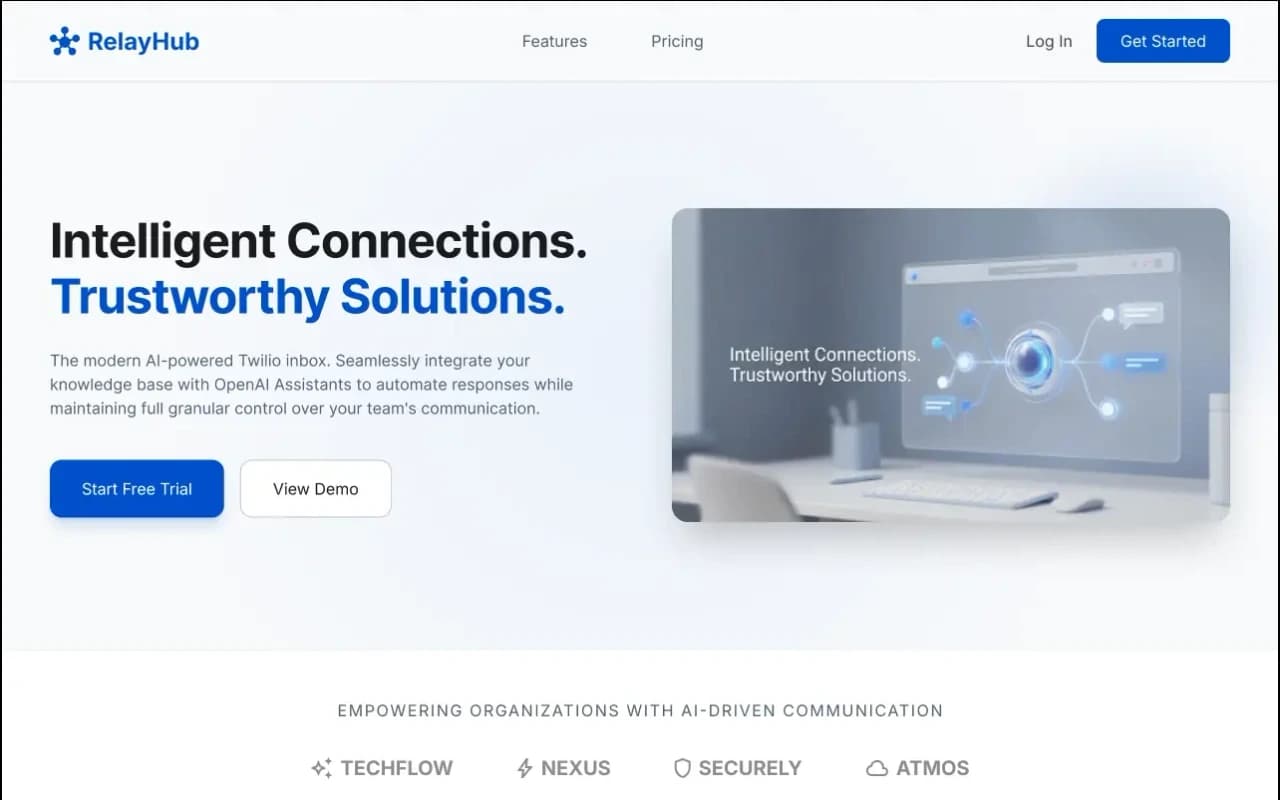
RelayHub AI communication portal case study
Twilio + OpenAI shared inbox
One triage view for Twilio phone and digital threads, with OpenAI drafts under admin prompts. Built for teams tired of rebuilding context across tools.
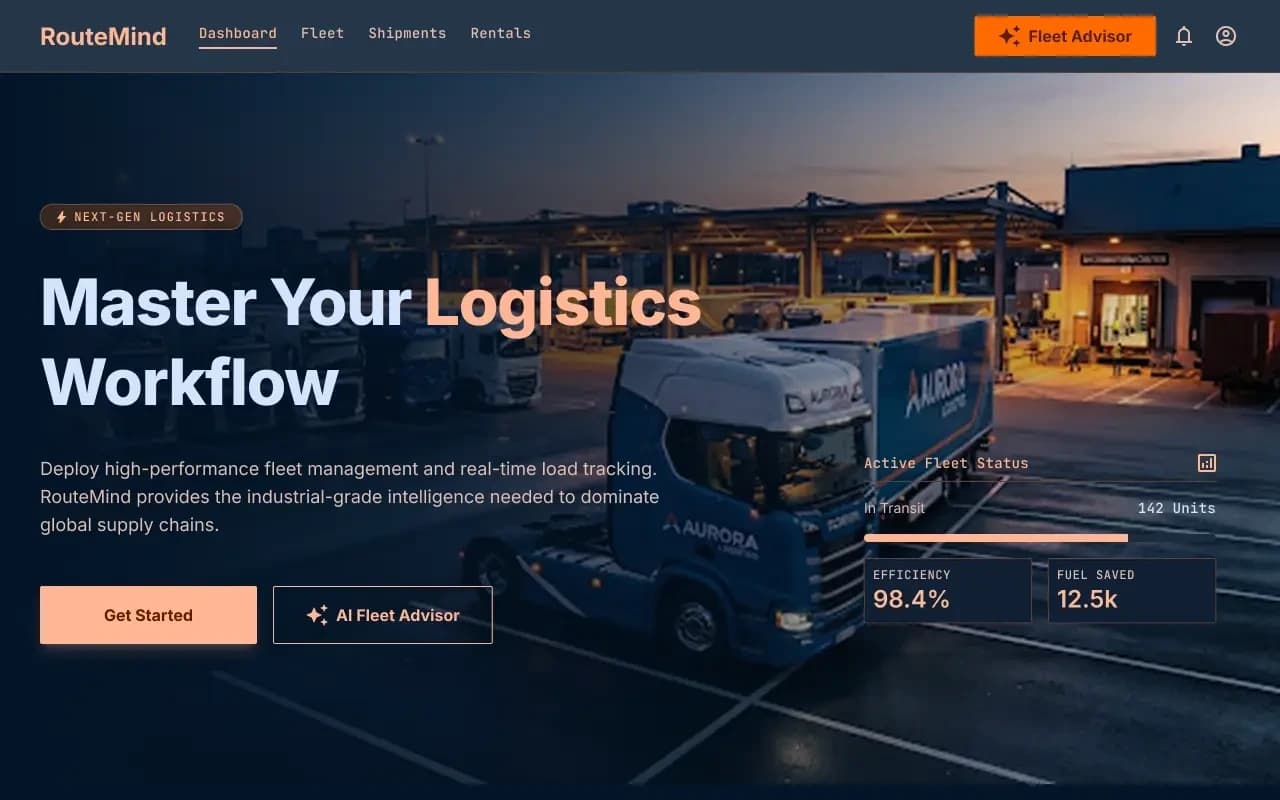
RouteMind AI fleet dispatch case study
AI Fleet Advisor + live load board
Shipper load board and fleet dashboard on one ops model, with an AI advisor that reads live capacity before suggesting the next move.
Questions
More on all insights, AI development, or contact Algo Vortex.