
AI
Model Context Protocol: tools and data for AI agents
Model Context Protocol gives AI applications a shared way to discover and call approved tools or read selected resources. It can reduce repeated integration work across compatible clients, but it does not replace APIs, authentication, permissions, logging, or careful tool design.
By Umar HayatChief Technology Officer, Algo Vortex
Updated
Key takeaways
One tool layer
MCP is about exposing tools and resources in a shared shape so you are not rewriting integrations per model host.
Agents need verbs
A model with no tools can only talk. MCP is one way to give it verbs against your systems, with clearer boundaries.
Not magic access
MCP does not bypass auth. Your server still enforces who may read a file or create a ticket.
Useful when reuse appears
A first agent can use direct function calling. MCP becomes more valuable when several clients need the same tool contracts.
What is Model Context Protocol?
Model Context Protocol is an open standard for connecting AI applications to external tools, files, and data sources. A host, such as a desktop app or an agent runtime, talks to MCP servers that advertise tools and resources. The model never gets a raw database password. It gets named capabilities the server is willing to run.
Think of it as USB for model context. Before USB, every peripheral had its own connector. Before MCP, every model vendor wanted a different plugin format. MCP does not replace your APIs. It sits in front of them so an agent can discover and call what you allow.
Anthropic published the spec. Other hosts and clients have adopted it. The important part for a business is not the origin story. It is that tools can be described once and reused as the model layer churns.
Why do AI agents use MCP?
Agents need tools. Without tools they cannot check an order, file a ticket, or read the wiki page that actually answers the question. You can wire those tools as one-off functions in your own runtime. That works. It also means every new host, IDE, or vendor agent wants another adapter.
MCP gives you a shared contract: here are the tools, here are the arguments, here is a resource the model may read. An AI agent that must live in more than one place, your product, an internal copilot, a desktop host, benefits from not forking that contract.
You still design the verbs. MCP will not invent a safe refund tool. It will carry the tool you defined. Bad permissions in MCP are still bad permissions. The protocol is plumbing.
How does MCP connect to business systems?
An MCP server wraps a system you already have: CRM, issue tracker, data warehouse, file store, internal HTTP APIs. The server advertises tools such as search_accounts or create_ticket. When the host asks to run one, the server checks auth, calls the real API, and returns a structured result the model can read.
Resources are the read side: a file, a schema, a prompt template. Sampling and other advanced bits exist in the spec. Most business work starts with tools plus a few resources. Keep the surface small. An agent with forty tools will call the wrong one.
This pairs naturally with RAG. Retrieval can be a tool. Live system state can be a tool. Docs in a vector index do not replace get_order_status. Agents that mix both stay closer to how your company actually runs.
When should you use Model Context Protocol?
Adopt MCP when you already know the tools, and more than one client will need them, or you want to avoid betting the integration layer on a single vendor SDK. Wait if you have one agent, three functions, and no second host on the roadmap. Plain tool calling in your app is enough for that slice.
MCP is also not a substitute for product design. A messy process with no owner will not get cleaner because the tools speak a standard. Fix the job, then expose the verbs. How to build an AI agent is the sequence. Protocol choice sits in the middle, not at the start.
We use MCP where it reduces glue. We skip it where it would add a hop without a second consumer. If you are mapping tools for a first production agent, AI development is the service path, and contact is how a brief gets a yes or a not yet.
Next step
Give agents controlled access to real systems
Share the systems, approved actions, and clients that need access. We will determine whether MCP belongs in the first slice or direct tool calling is enough.
Talk to Algo VortexRelated in this cluster
- AI agent developmentAI agent development turns a defined business workflow into software that can reason, call tools, and hand risky decisions to people. This guide explains the architecture, guardrails, evaluation, and operating work needed to move past a promising demo.
- RAG developmentRAG development connects a language model to your current documents, records, and permissions so answers can be traced to a source. The hard part is not calling a model. It is parsing, retrieval, access control, evaluation, and knowing when the system should decline to answer.
- How to build an AI agentBuild an AI agent by choosing one measurable job, mapping the data and tools it needs, limiting what it can change, and requiring human approval for costly actions. A narrow first release creates better evidence than a broad platform with no clear owner.
Related capabilities
Related case studies
Live products where this kind of work showed up in the build.
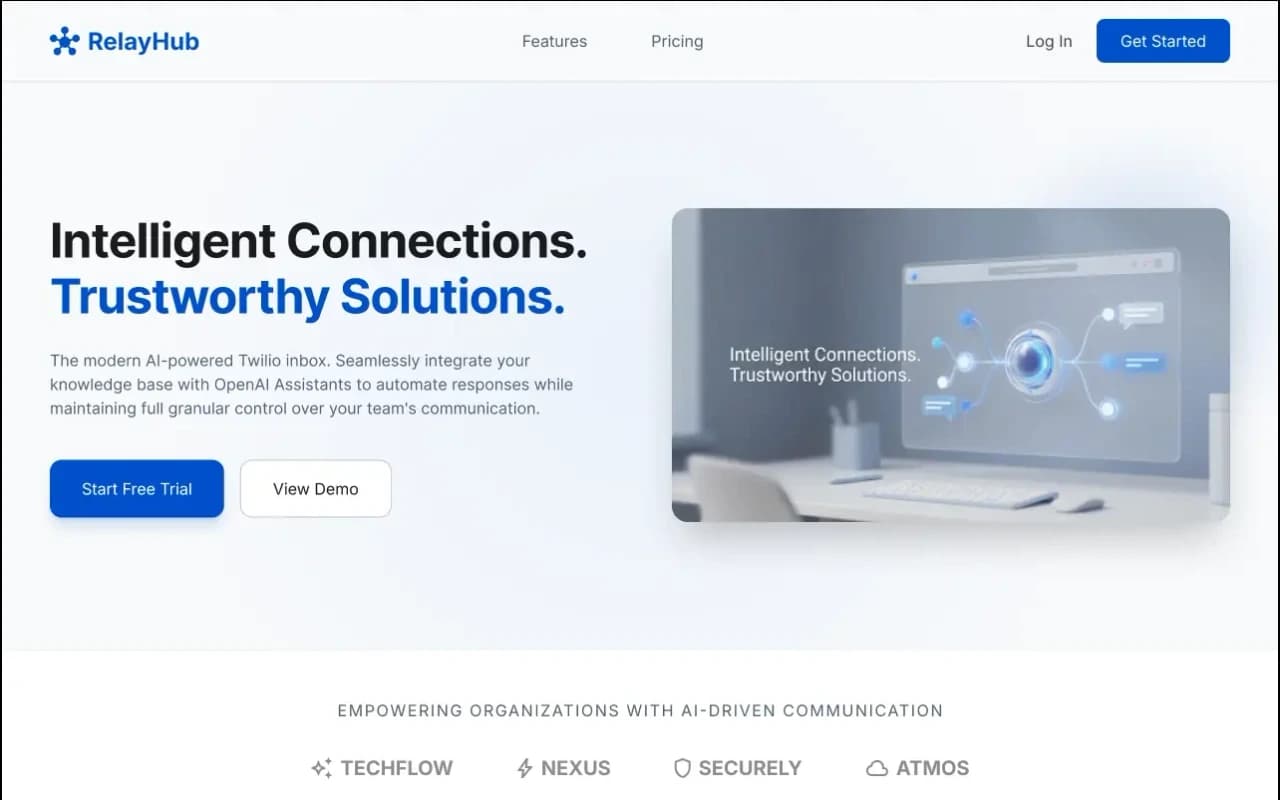
RelayHub AI communication portal case study
Twilio + OpenAI shared inbox
One triage view for Twilio phone and digital threads, with OpenAI drafts under admin prompts. Built for teams tired of rebuilding context across tools.
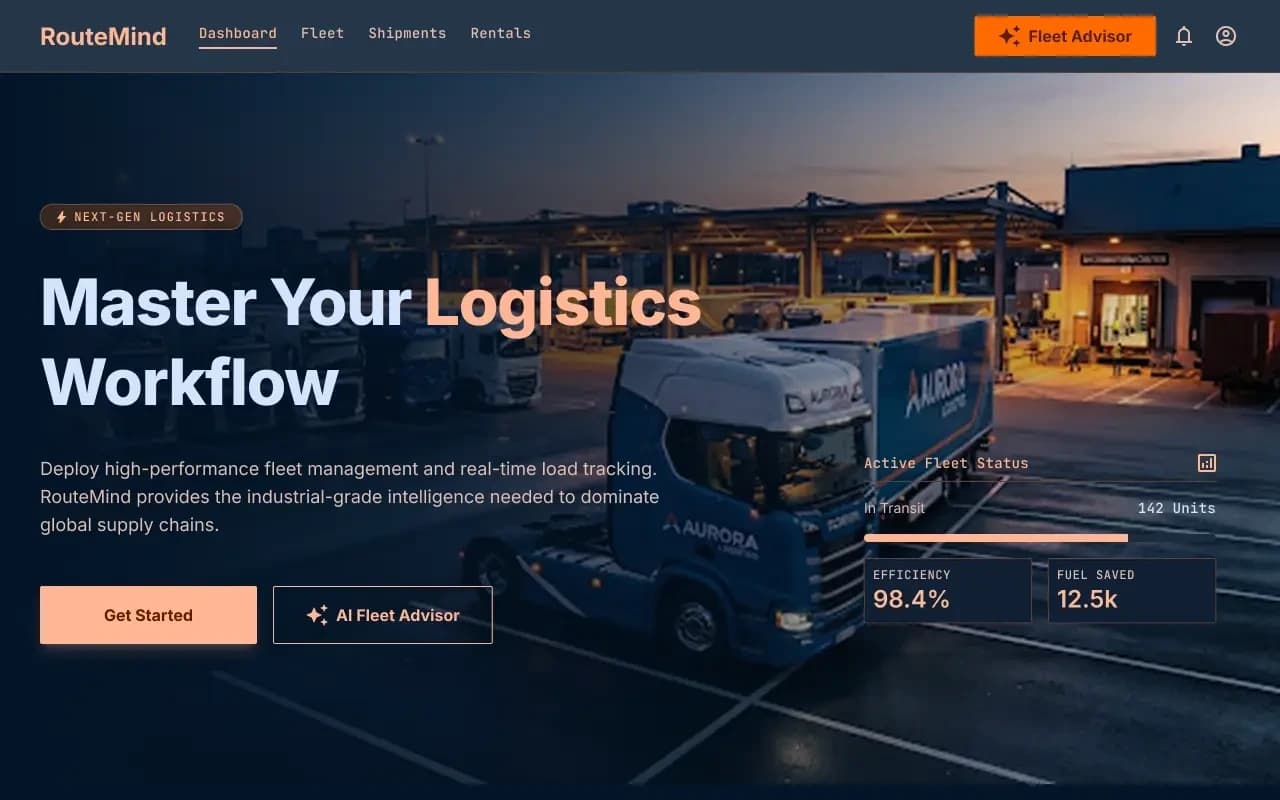
RouteMind AI fleet dispatch case study
AI Fleet Advisor + live load board
Shipper load board and fleet dashboard on one ops model, with an AI advisor that reads live capacity before suggesting the next move.
Questions
More on all insights, AI development, or contact Algo Vortex.