
AI
RAG development for accurate, source-grounded AI
RAG development connects a language model to your current documents, records, and permissions so answers can be traced to a source. The hard part is not calling a model. It is parsing, retrieval, access control, evaluation, and knowing when the system should decline to answer.
By Umar HayatChief Technology Officer, Algo Vortex
Updated
Key takeaways
Retrieval is the product
If the wrong chunk comes back, the nicest prompt still invents policy. Fix retrieval before you swap models.
Chunking is design
Heading-aware splits, metadata, and overlap beat dumping PDFs into 500-token windows and hoping.
Evaluations catch fluent errors
Test retrieval and source-backed answers against real questions. A polished demo rarely exposes the difficult misses users will find.
Fine-tune is a different job
RAG for facts that change. Fine-tune for style or a stable task. Most product work starts with RAG.
What is RAG development?
RAG development is the work of fetching the right pieces of your knowledge, stuffing them into a prompt, and generating an answer that can point at those pieces. The model stays a reasoner. Your corpus stays the source of truth. When retrieval misses, the answer should say so, not improvise a policy.
The pipeline looks simple: split documents into chunks, embed them, store vectors, retrieve on a query, optionally rerank, then generate. Every stage has taste. Bad chunking hides tables. Weak metadata mixes tenants. A query that never gets rewritten misses the doc everyone on the team would have opened.
This is the backbone of a lot of AI agent development. Agents that cannot find the right procedure will still call tools. They will just call them with the wrong story.
How does a RAG pipeline work?
A RAG pipeline splits source material into useful chunks, converts those chunks into embeddings, retrieves likely matches, and gives selected text to the model. Chunking should respect headings, sections, and tables. Metadata must preserve source, date, product, and permission so retrieval stays relevant and tenant-safe.
Embeddings turn chunks into vectors. You pick a model, you store vectors next to the metadata, you update them when docs change. Stale indexes are a silent bug. Retrieval is usually nearest-neighbor plus filters. Hybrid search, keyword plus vector, helps on part numbers, names, and error codes that embeddings smear.
Generation should see the retrieved text and a hard instruction to cite or abstain. If you skip citations, you cannot tell a grounded answer from a fluent one. Rerankers help when the first-pass retrieve is noisy. They cost extra. Use them when the first pass is close but not clean.
Should you use RAG or fine-tuning?
Use RAG when the facts change, when you must show sources, or when legal will not let you bake customer data into a model. Use fine-tuning when the task is stable and the issue is format or tone, not missing knowledge. Many teams try to fine-tune their way out of a retrieval problem and then wonder why last week's price list never shows up.
Hybrid is allowed. A small tuned model for classification, RAG for the long answer. Do not start there. Start with retrieval on a golden set of questions your users already ask. If that set scores well, you may never need a fine-tune.
If someone sells you a custom model as the first move, ask what happens when the PDF changes tomorrow. RAG updates with the index. A fine-tune updates with a training job.
How do you evaluate RAG accuracy?
Evaluate RAG in two stages: whether retrieval found the right material and whether the answer stayed faithful to it. Many apparent model hallucinations begin as retrieval misses. Use known questions, citation checks, and human review for difficult cases instead of relying on a few convincing demo responses.
Build a golden set from real tickets and real docs, including questions that should return I do not know. Run it on every chunking or model change. Online, watch citation click-through, user corrections, and empty-retrieve rate. Empty retrieve is a gift. It is a chance to abstain instead of invent.
Prompting helps at the margin. It will not save a bad index. Spend the week on parsing, permissions, and query rewriting before you buy another model.
How does RAG support real product workflows?
Retrieval works best when it supports a specific product task. RelayHub uses conversation context and account history to support relevant drafts. RouteMind uses fleet and load data for advice tied to the current truck and lane rather than generic logistics guidance.
Neither product is a naked RAG chat. Retrieval sits behind a job: draft a reply, suggest a dispatch move. That is the pattern worth copying. If you only need search, ship search. If you need an answer that acts, RAG is a layer under the agent, not the whole product.
Most of our AI development work looks like this: existing data, existing UI, a retrieval path that can be audited. If that is your situation, how to add AI to an existing product is the companion piece.
Next step
Build answers your users can verify
Share sample documents, real user questions, and access rules. We will assess whether RAG fits and identify the smallest useful retrieval slice.
Talk to Algo VortexRelated in this cluster
- AI agent developmentAI agent development turns a defined business workflow into software that can reason, call tools, and hand risky decisions to people. This guide explains the architecture, guardrails, evaluation, and operating work needed to move past a promising demo.
- Model Context ProtocolModel Context Protocol gives AI applications a shared way to discover and call approved tools or read selected resources. It can reduce repeated integration work across compatible clients, but it does not replace APIs, authentication, permissions, logging, or careful tool design.
- How to add AI to an existing productAdd AI to an existing product by placing it inside a workflow users already understand, keeping provider calls behind your backend, reusing current permissions, and releasing behind a feature flag. The model should support the product, not become a second system of record.
Related capabilities
Related case studies
Live products where this kind of work showed up in the build.
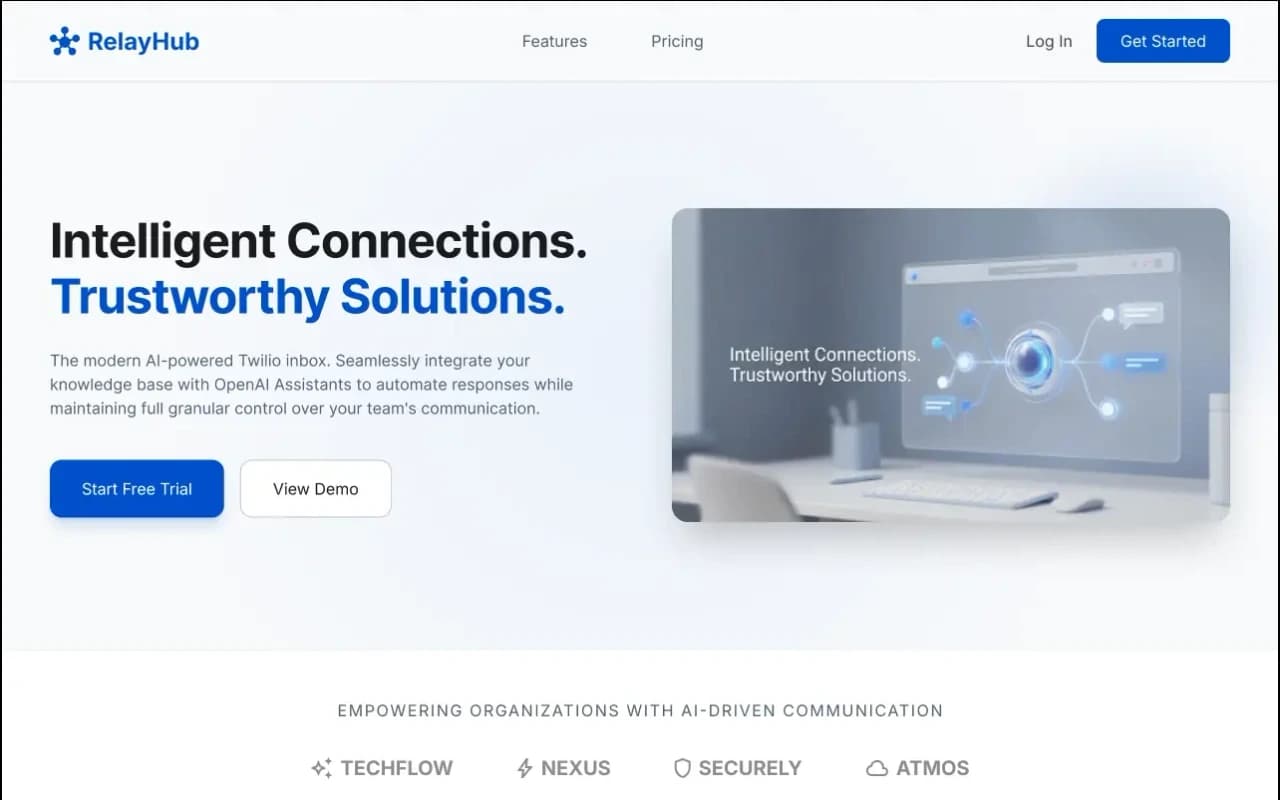
RelayHub AI communication portal case study
Twilio + OpenAI shared inbox
One triage view for Twilio phone and digital threads, with OpenAI drafts under admin prompts. Built for teams tired of rebuilding context across tools.
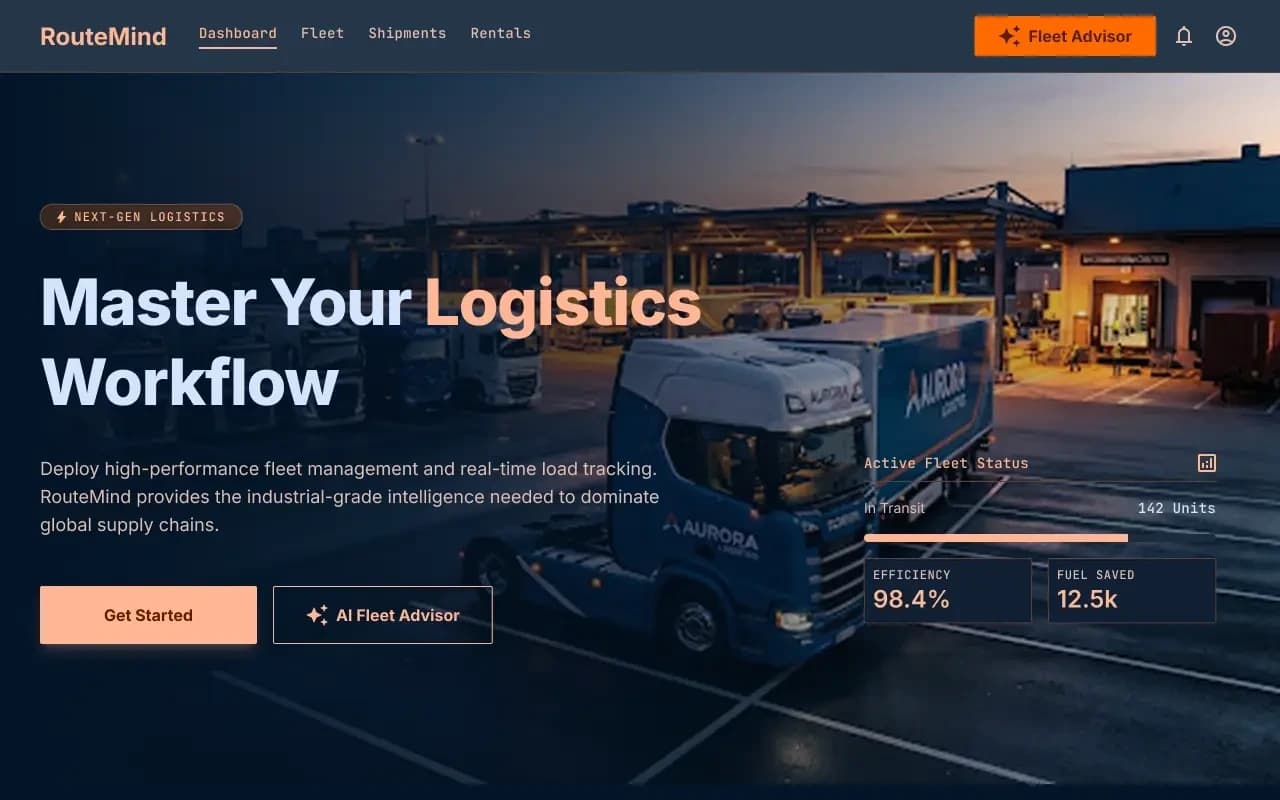
RouteMind AI fleet dispatch case study
AI Fleet Advisor + live load board
Shipper load board and fleet dashboard on one ops model, with an AI advisor that reads live capacity before suggesting the next move.
Questions
More on all insights, AI development, or contact Algo Vortex.